
Roofing CRM workflows for insurance, retail, siding and multi-crew shops
AerialReports CRM runs one job record from lead to final payment: aerial measurement, estimate, e-signed proposal, deposit, production and invoice. Below is how that plays out for four kinds of contractor. Plans start at $89/mo. E-signature and QuickBooks start at Pro, and estimate exports, supplements and automations at Scale; see pricing for the full breakdown.
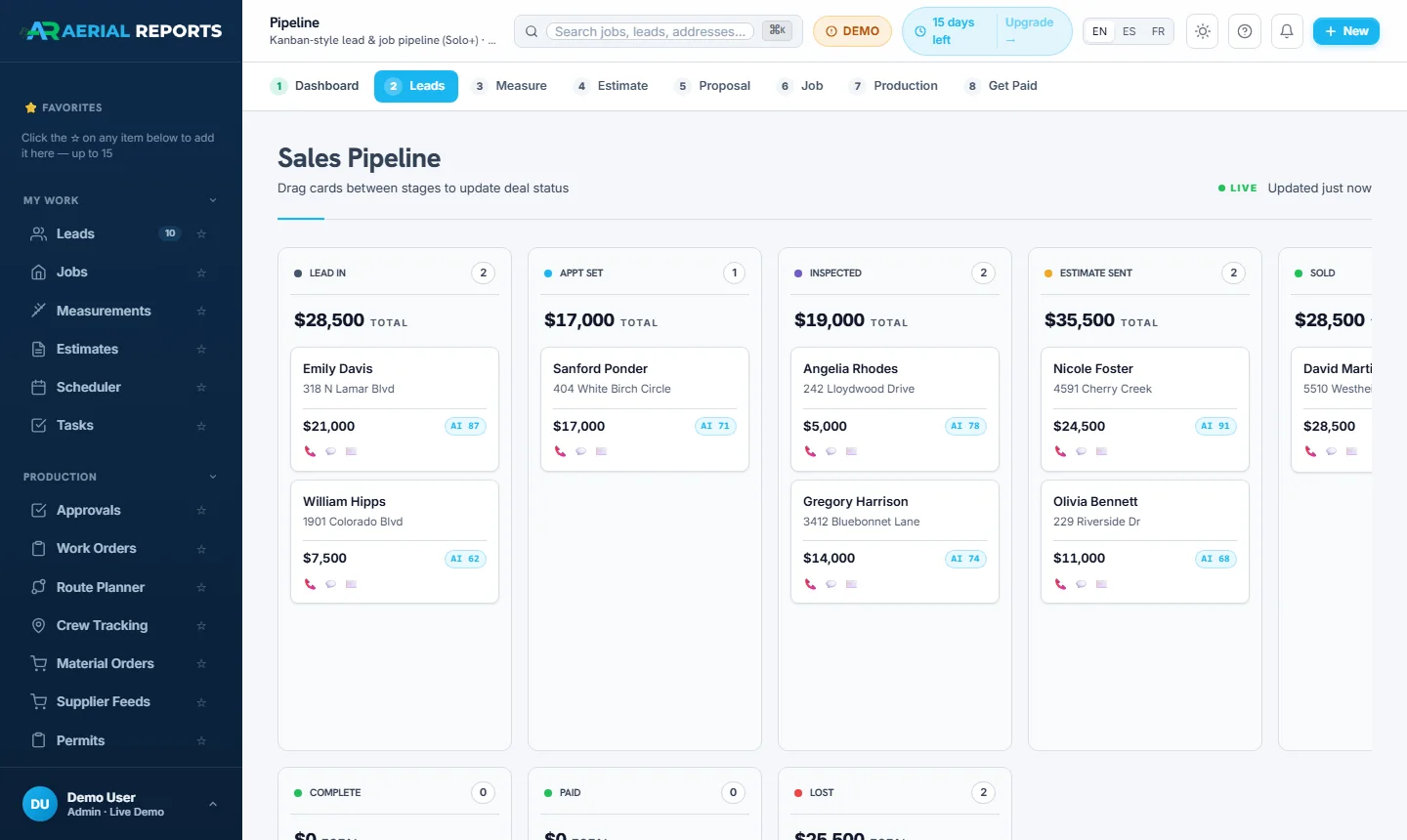
Insurance restoration: storm lead to signed scope
After a hail event you need to flag the affected leads, get measurements, build the scope for the adjuster, and collect a signature before another roofer does. Each of those steps lives on the same job record.
Storm event flagged, leads texted
Flag a hail or wind event and every lead tied to it gets an automatic text (texting requires a connected SMS number), so a storm day turns into a booked-inspection list.
Inspection, then aerial measurement
Order a roof measurement from the lead card. Same-day delivery, reviewed by our team, as a PDF and in XML formats including Symbility XML.
Build the scope, hand it to the adjuster
The estimate fills in from the measurement. Export a Xactimate-formatted file or Symbility XML that you review before importing. For a native Xactimate estimate, submit an Xactimate Estimate Request and our team prepares it in licensed Xactimate.
E-sign and collect the deposit
Send the proposal, get the signature on the homeowner's phone and take the deposit by card or ACH, all from the same estimate.
Retail residential: respond fast, quote the same day
Retail homeowners usually hire whoever answers first and sends a clear price. The workflow below is built around that: quick lead response, a measurement-backed estimate, and a proposal the homeowner can sign and pay on their phone.
Lead captured from your website
The Instant Estimator takes a homeowner's address, gives a ballpark price, and drops the lead straight into your pipeline.
Order the measurement, build the estimate
The same-day aerial measurement fills your estimate template with squares, edge lengths and waste, so pricing is a review, not data entry.
Send a Good / Better / Best proposal
The homeowner gets a branded proposal with three priced options and a 3D roof view, and can sign online or on your phone.
Production, invoice, final payment
Schedule the crew, order materials, collect photos, then send the final invoice from the same job.
Siding and exteriors: every trade on one job
Exterior jobs often cover roofing, siding, gutters and windows on the same property. The estimate has a section per trade, so one job record carries the full scope. Measurements can include wall area as well as roof.
Aerial wall and roof measurements
Order wall-area measurements for vinyl, fiber-cement or steel siding from an address, with no ladder or site visit just to get square footage.
Estimate sections by trade
Roofing, siding, gutters and windows each get their own section, with separate materials, waste and margin per trade and one combined total.
Material ordering from the job
Build a purchase order from the estimate with materials, quantities and the delivery address filled in. ABC Supply ordering is live; QXO ordering is in development.
Multi-crew and commercial: one view of every active job
With several crews and jobs running at once you need to see which crew is where, what has been ordered and who still owes you money. The scheduler, production board and financial reports answer those from live job data.
Multi-crew scheduler
Assign jobs to crews on a calendar or Gantt view and see each crew's load before you book the next job.
Crew app on any phone
Crews check in, upload geotagged photos, complete checklists and mark milestones from a phone. See the crew app.
Job costing
Track labor, materials and overhead per job to see which jobs ran over and where margin went.
Reports dashboard
Revenue, pipeline, close rate and accounts receivable, calculated from your live job data.
See your workflow running
Book a walkthrough and we will show the insurance, retail, siding or multi-crew flow that matches your business, using sample data.